
Stable: SMath Studio 0.99.7579 (01 October 2020) - 消息

SMath Studio
Tiny, but powerful mathematical program with WYSIWYG editor and complete units of measurements support.
它提供了众多的计算功能和丰富的用户界面,并支持约40种语言。该应用程序还内置了数学参考手册。
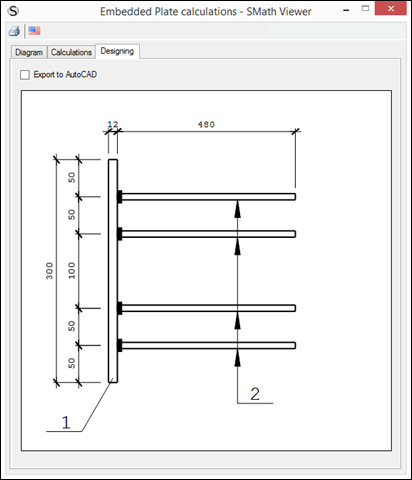
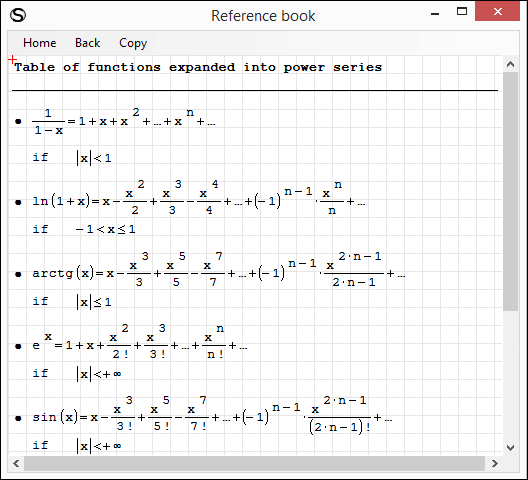
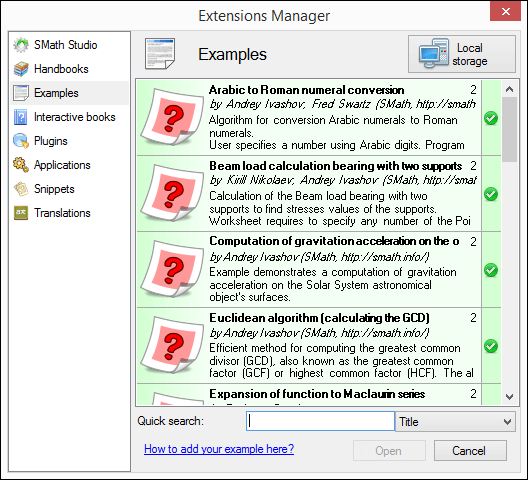
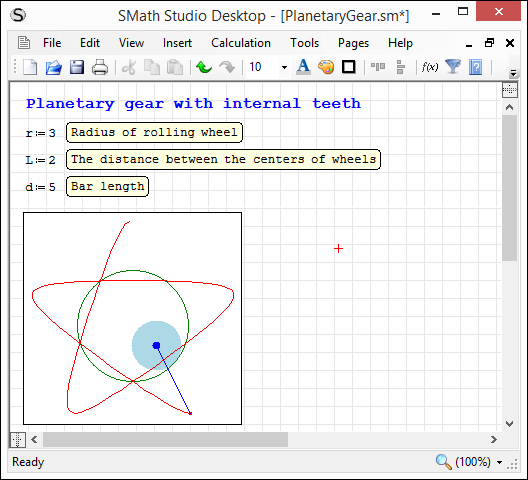
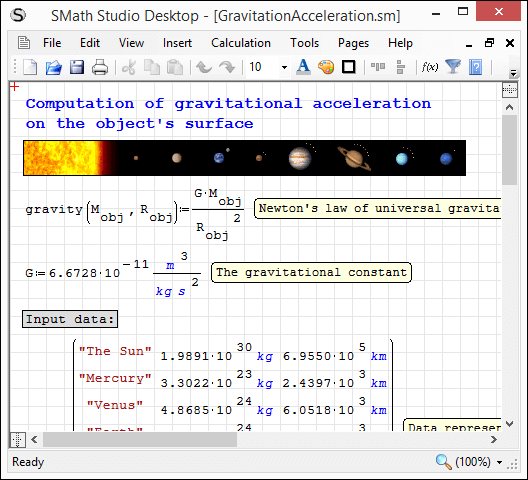
应用程序可根据您的需求轻松扩展。内置的“扩展管理器”工具让您可以获取数百种官方及第三方资源,涵盖以下类型:使用示例、插件、基于 SMath Viewer 的应用程序、代码片段、界面翻译、交互式书籍、手册以及教程。
下载
SMathStudioDesktop.0_99_7579.Mono.tar.gz (1.4 MiB)已下载 8194 次。
SMathStudioDesktop.0_99_7579.Setup.msi (2.28 MiB)已下载 29639 次。
- Desktop (Windows):
Framework: .NET Framework 2.0 or higher - Desktop (Linux):
Framework: Mono 2.0 (libmono-winforms-2.0-cil package) or higher
- [ARA] Arabic / العربي
- [BEL] Belarusian / Беларуская
- [BUL] Bulgarian / Български
- [CAT] Catalan / Català
- [CHS] Chinese (Simplified) / 简体中文
- [CHT] Chinese (Traditional) / 簡體中文
- [CPP] Portuguese (Brazil) / Brazil (Português)
- [CZE] Czech / Čeština
- [DAN] Danish / Dansk
- [DUT] Dutch / Nederlands
- [ENG] English / English
- [FAS] Persian / فارسی
- [FIN] Finnish / Suomi
- [FRE] French / Français
- [GER] German / Deutsch
- [GRE] Greek / Ελληνικά
- [HEB] Hebrew / עברית
- [HUN] Hungarian / Magyar
- [IND] Indonesian / Bahasa Indonesia
- [ITA] Italian / Italiano
- [JPN] Japanese / 日本語
- [KOR] Korean / 한국어
- [LAV] Latvian / Latviešu
- [LTH] Lithuanian / Lietuvių
- [NOR] Norwegian / Norsk
- [POL] Polish / Polski
- [POR] Portuguese / Português
- [RON] Romanian / Română
- [RUS] Russian / Русский
- [SCC] Serbian (Latin) / Srpski
- [SCR] Croatian / Hrvatski
- [SLK] Slovak / Slovenčina
- [SPA] Spanish / Español
- [SRP] Serbian (Cyrillic) / Српски
- [SWE] Swedish / Svenska
- [TUR] Turkish / Türkçe
- [UKR] Ukrainian / Українська
SMath Studio tutorial by Bernard Liengme.
 SMathPrimer.pdf (Date: 11.11.2011. File size: 2.06MB) - to open in Adobe Acrobat Reader
Introduction of the use of SMath Studio by Gilberto E. Urroz, Ph.D., P.E.
- SMathStudio.0_85.Article.Eng.pdf (Date: 23.09.2009. File size: 828.96KB) - to open in Adobe Acrobat Reader
- SMathStudio.0_85.IOFiles.Article.Eng.pdf (Date: 27.09.2009. File size: 453.24KB) - to open in Adobe Acrobat Reader
- SMathStudio.0_85.NumericFunctions.Article.Eng.pdf (Date: 18.10.2009. File size: 622.45KB) - to open in Adobe Acrobat Reader
- SMathStudio.0_85.Programming.Article.Eng.pdf (Date: 18.10.2009. File size: 411.74KB) - to open in Adobe Acrobat Reader
SMath Studio icons (
 SMathStudio.Icons.zip (Date: 12.04.2010. Size: 63.74KB)

Underline text is fixed, check;
Font setting is implemented, check. (actually I had asked for this about a year ago)
One less reason for me to use notorious Windows and Microsoft programs.
Regards.
WroteLinux is fixed, check; ...
One less reason for me to use notorious Windows and Microsoft programs.
Hahaha! I just loaded Linux Mint on my machine again. I thought I had done something wrong as I had updated my portable version 4 days ago.
Now if I can only find a Linux based "REVIT" clone. I can get off of Microsoft for good.
Andrey and Company

How about the toolbar issue? You'll notice the missing items in this screenshot. Linux Mint 20 - Cinammon with complete MONO installed

What is the official stance, from tyour perspective, on saving as a compressed ".SMZ" file in lieu of the standard ".SM"? As I am going to be updating files, I figure I would ask. Easy enough to re-save as ".SM" if that is preferred and I've had some issues in the past with program updates.
Wrote
Hahaha! I just loaded Linux Mint on my machine again. I thought I had done something wrong as I had updated my portable version 4 days ago.
Now if I can only find a Linux based "REVIT" clone. I can get off of Microsoft for good.
Andrey and Company
How about the toolbar issue? You'll notice the missing items in this screenshot. Linux Mint 20 - Cinammon with complete MONO installed
Toolbar issue remains. At least on my VoidLinux machine.
For so long I couldn't run SMath Mono on Linux now I don't mind this.
You can use Bricscad instead of Revit. It runs native on Linux and has BIM support.
I use it for mechanical designs btw not for architectural purposes.
But there are some tutorials for Bricscad on Youtube for BIM designs.
Regards

WroteAndrey and the development team,
What is the official stance, from tyour perspective, on saving as a compressed ".SMZ" file in lieu of the standard ".SM"? As I am going to be updating files, I figure I would ask. Easy enough to re-save as ".SM" if that is preferred and I've had some issues in the past with program updates.
Both SM and SMZ will be supported in future versions but SMZ will be obsolete at some point because we need to support Office Open XML specification which is much better approach for compressed documents. Personally I prefer to use SM as it is possible to read by Notepad and much easy to compare documents with WinDiff or similar.
Best regards.

引用
Mono JIT compiler version 6.10.0 (makepkg/5d03a6fe116 Wed 15 Jul 2020 03:01:56 PM -03)
Copyright (C) 2002-2014 Novell, Inc, Xamarin Inc and Contributors. www.mono-project.com
TLS: __thread
SIGSEGV: altstack
Notifications: epoll
Architecture: amd64
Disabled: none
Misc: softdebug
Interpreter: yes
LLVM: supported, not enabled.
Suspend: hybrid
GC: sgen (concurrent by default)
WroteIn Arch the toolbar is complete, perhaps should move the discussion about that to a different topic
There is a discussion on this issue: https://en.smath.com/forum/yaf_postst17695_Missing-symbols-on-Ubuntu-20-mono.aspx
I didn't realize those toolbars worked on any flavor of Linux, I'd just resigned myself to doing without them.
WroteThere is a discussion on this issue: https://en.smath.com/forum/yaf_postst17695_Missing-symbols-on-Ubuntu-20-mono.aspx
I didn't realize those toolbars worked on any flavor of Linux, I'd just resigned myself to doing without them.
I've posted some screen shots there
Andrey,
I think its a fonts issue. In another post, it was mentioned that the default font in now Ariel. When I open SMath in Linux, the default font is Liberation Serif (default for Libre Office?). As I scroll down the font options in SMath, there is a bunch of giberish

Martin Kraska
- 有新帖
- 无新帖