
1页(13条)
It is impossible to paste image from clipboard. Ubuntu/Mono - 消息

I can drag an image from File Manager to SMath but I can't paste a copied image from clipboard to SMath.
I made a tool to help me with this. It's pretty clunky and will be a little embarassing to share, but it is useful. I'll put it on github, hopefully later today.
The code for the tool is uploaded to github now. It's a screengrabber-type tool rather than doing anything with what's already on the clipboard. Hopefully it will be helpful.
What I faced when trying to insert images from a file on disk was that they would be invisible then next time I opened the SMath sheet. They've done okay for me when using this method though.
https://github.com/erictmyers/insert_image_to_smath
What I faced when trying to insert images from a file on disk was that they would be invisible then next time I opened the SMath sheet. They've done okay for me when using this method though.
https://github.com/erictmyers/insert_image_to_smath
that's pretty sweet!
i will try it with devuan and see how it works.
what anaysis program is that in Linux that you are using?
i will try it with devuan and see how it works.
what anaysis program is that in Linux that you are using?
Join the SMath Studio Users Discord Channel: https://discord.gg/PayZpJW

Spent some time on it under debugger but it seems I cannot do anything here.
Image copied from another app is just not visible under Mono. Ok with a text, but not with images.
I can imaging to integrate some Linux specific script (python or something else) which will get image from Clipboard and put it somewhere on the disk as a file, so SMath Studio could import that file. If it will be automated then it will be transparent to the user.
Best regards.
WroteSpent some time on it under debugger but it seems I cannot do anything here.
Image copied from another app is just not visible under Mono. Ok with a text, but not with images.
I can imaging to integrate some Linux specific script (python or something else) which will get image from Clipboard and put it somewhere on the disk as a file, so SMath Studio could import that file. If it will be automated then it will be transparent to the user.
Best regards.
I guess this is not a bug. Linux has different handling with image clipboard afaik.
One of basic paint program I use (mtpaint) has this issue too.
First you need to "import" linux clipboard into mtpaint clipboard with a menu button. Then you can paste image into mtpaint.
Or if you want to copy an image from mtpaint to system clipboard you have to "export" it to system clipboard via a button.
What I want to say is maybe this script could work. But I think this is not a bug, functionality approach of linux.
Regards.
1位用户喜欢此帖子
Andrey Ivashov 2020/10/18 11:55:00
Wrotethat's pretty sweet!
i will try it with devuan and see how it works.
what anaysis program is that in Linux that you are using?
The analysis is from a python FEA library called PyNite, installable via pip.
If anyone has checked out the utility and found it usable, be advised that I'll update it soon to do away with the need to copy and paste into a text editor. That is a relic of how an earlier version was written, but can be simplified now. I'll post back here when it's ready.
Okay, the new version of the tool is released at https://github.com/erictmyers/insert_image_to_smath.
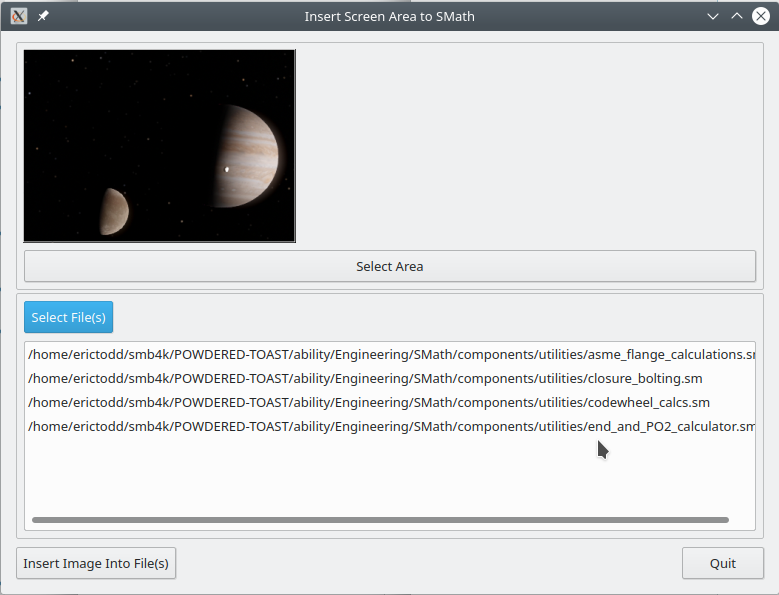
There is a warning in the README, but I'll add it here as well- the tool writes directly to the selected SMath files. I haven't had any problems with that yet but testing has been minimal, so please make backups before clicking the Insert Image button.
Best regards, I hope you'll find it helpful!
There is a warning in the README, but I'll add it here as well- the tool writes directly to the selected SMath files. I haven't had any problems with that yet but testing has been minimal, so please make backups before clicking the Insert Image button.
Best regards, I hope you'll find it helpful!
1位用户喜欢此帖子
Andrey Ivashov 2020/10/19 19:09:00
Why insert such a big area ?
Capture/select/crop save [as *.PNG]
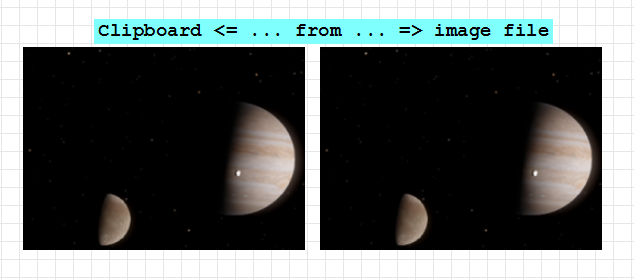
Capture/select/crop save [as *.PNG]
Another method which is very simple and a little tricky. You will need "xclip" for this, a small X program.
Xclip is maybe already installed or you will need get it from your favorite linux distribution's repo.
Also there should be an image on clipboard. (obviously)
Not very elegant but you can extract clipboard to a file easily and drag it into SMath.
1 - Open the terminal, enter the command;
xclip -selection clipboard -t image/png -o > example.png
This will create a picture file from clipboard which is named "example.png" in terminal directory.
2 - Drag the file directly to smath.
That's it.
Edit: Sometimes SMath doesn't fully get base64 data of dragged file to picture region.
Image region can get full base64 data if you right click and import the file.
Need more investigation.
Another updated version is available at https://github.com/erictmyers/insert_image_to_smath. It features a much nicer (resizable and movable) area selection, and is cross platform for what that's worth. It requires a newish version of PyQt and Qt (5.10 or higher)
This is the last tweak I plan for now.
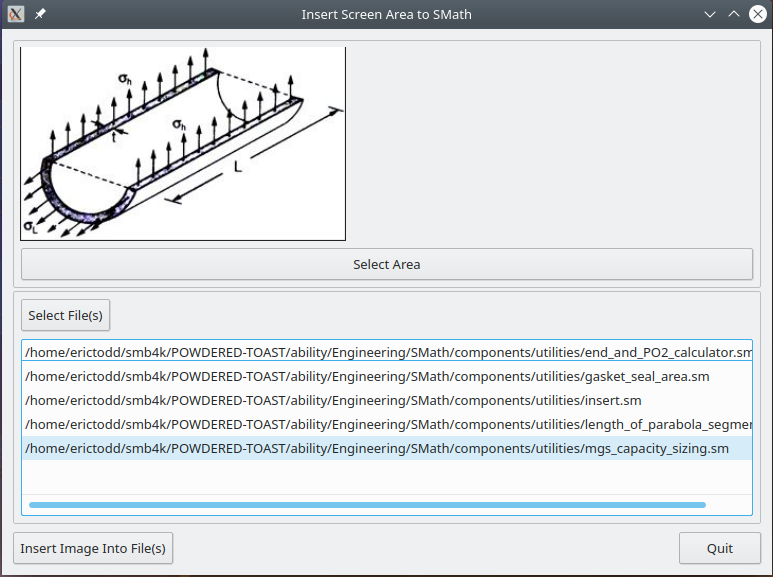
This is the last tweak I plan for now.
WroteThis is the last tweak I plan for now.
Can you just have 10 kB *.PNG instead of 1.3 MB Monster Big ?
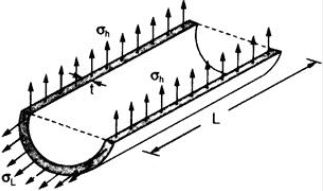
WroteWroteThis is the last tweak I plan for now.
Can you just have 10 kB *.PNG instead of 1.3 MB Monster Big ?
My apologies, I may have been insensitive to bandwidth issues. Hopefully the file size hasn't caused too much trouble for anyone, I'll try to do better in future posts.
Best regards,
Eric
1页(13条)
- 有新帖
- 无新帖