
1页(6条)
Beta: SMath Studio 0.99.6962 (23 January 2019) - 消息

SMath Studio
Tiny, but powerful mathematical program with WYSIWYG editor and complete units of measurements support.
它提供了众多的计算功能和丰富的用户界面,并支持约40种语言。该应用程序还内置了数学参考手册。
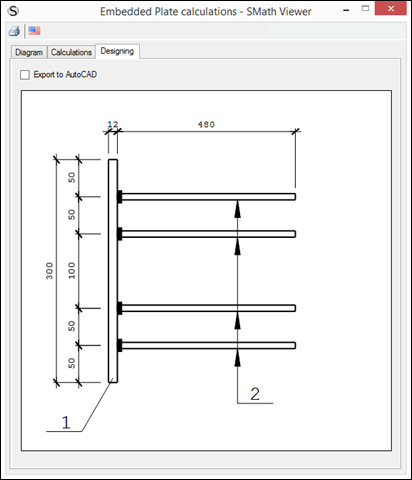
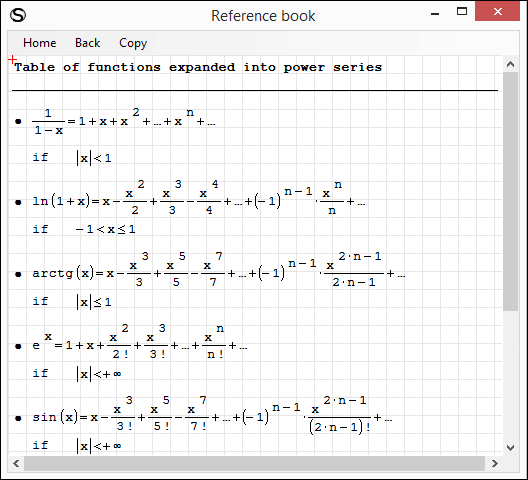
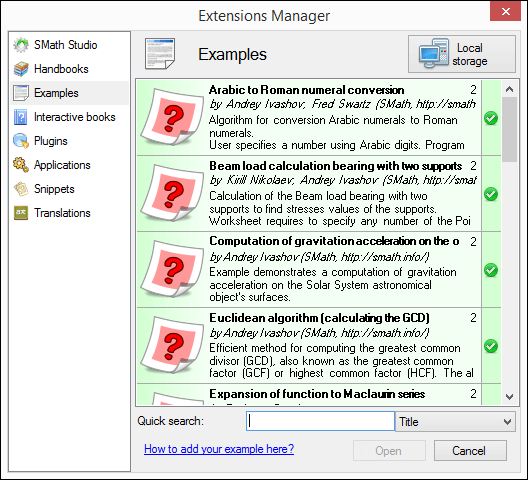
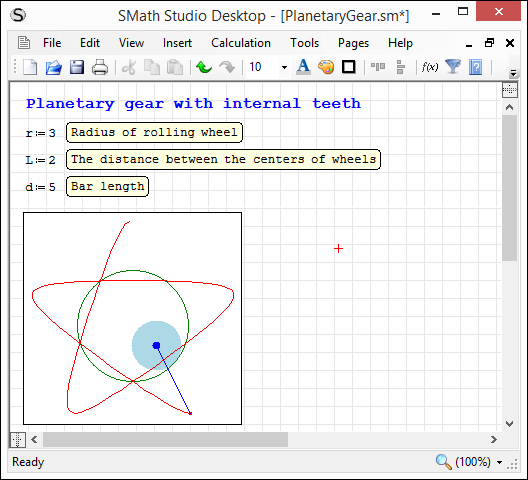
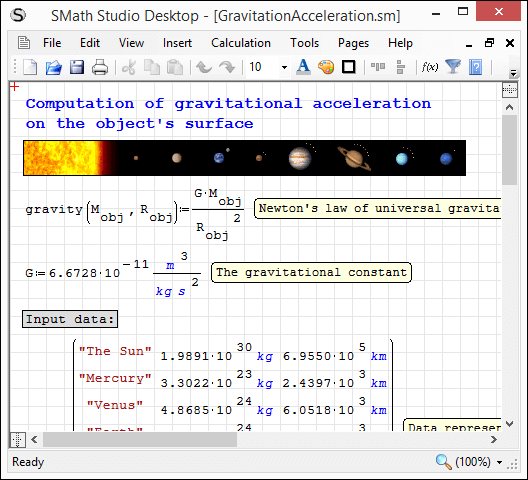
应用程序可根据您的需求轻松扩展。内置的“扩展管理器”工具让您可以获取数百种官方及第三方资源,涵盖以下类型:使用示例、插件、基于 SMath Viewer 的应用程序、代码片段、界面翻译、交互式书籍、手册以及教程。
下载
SMathStudioDesktop.0_99_6962.Mono.tar.gz (1.35 MiB)已下载 2495 次。
SMathStudioDesktop.0_99_6962.Setup.msi (2.23 MiB)已下载 4871 次。
Please note:
- There are some known bugs with Worksheet scrolling - will be addressed soon;
- There are some UI issues on environment with high DPI (some Custom plug-ins may not be scaled correctly).
Please use the following to disable high dpi support if required:
To all developers:
As you may notice starting from build 0.99.6955 SMath Studio supports high DPI and in order to scale Regions correctly we have to introduce new requirement:
- Plug-in must use SMath.Drawing.Graphics instead of System.Drawing.Graphics everywhere.
or
- All Fonts created by the plug-in must have GraphicsUnit.Pixel specified as a unit and size must be multiplied by 96f / 72f in order to convert Points to Pixels.
All existing plug-ins should be updated according to this requirement as everything looks ok while system is configured to have use 96 DPI, but in all other cases scaling of Fonts in plug-ins is incorrect.
All modern platforms like iOS, Android, UWP have Pixel specified as a unit by default, so this issue appears on Windows machines only (we have it on Linux as well because of Mono).
Please let me know in case of any related questions. If you are not able to perform changes by yourself - just let me know and I will update plug-ins by myself.
Best regards, Andrey Ivashov.
5位用户喜欢此帖子
frapuano 2019/1/22 19:55:00, NDTM Amarasekera 2019/1/23 00:05:00, sergio 2019/1/23 08:48:00, Radovan Omorjan 2019/1/23 15:41:00, Oscar Campo 2019/1/23 17:30:00

I have always thought those ones looks weird, especially when they are printed.
- Pi
- Euler's number
- Booelan Equal
- Infinity

It's up to developer to "correct" them anyway. But it is just frustrating to change them in PDF manually )
Regards
- Pi
- Euler's number
- Booelan Equal
- Infinity
It's up to developer to "correct" them anyway. But it is just frustrating to change them in PDF manually
)Regards
WroteI have always thought those ones looks weird, especially when they are printed.
- Pi
- Euler's number
- Booelan Equal
- Infinity
Hello.
What you do not like exactly? Font? Style (bold)? Both?
Best regards.
for infinity, the size.
for pi/euler/boelan equal, the thickness. they should not to be bold actually.
for pi/euler/boelan equal, the thickness. they should not to be bold actually.
Wrote
Hello.
What you do not like exactly? Font? Style (bold)? Both?
Best regards.
By taking into consideration of the silence, should I not wait for change for them?
Regards
As for pi and e, you can easily get rid of the bold face.
Actually, it would be sufficient to just give pre-defined values an upright face.
In the equations below, the rhs pi and e should be bold, shouldn't they?
I like the idea of the boolean equal being visually different from the evaluation operator

Actually, it would be sufficient to just give pre-defined values an upright face.
In the equations below, the rhs pi and e should be bold, shouldn't they?
I like the idea of the boolean equal being visually different from the evaluation operator
Technische Mechanik mit SMath Studio: https://link.springer.com/book/10.1007/978-3-658-50592-9
1页(6条)
- 有新帖
- 无新帖