
1页(8条)
1) Entering Text 2)Dark Mode (Black background with white text) - 消息

1) If I just start typing text...
Is that the same as first clicking Insert > Text Region... and then typing?
If not what is the difference?
2) Regarding Dark Mode aka Dark Theme...
I searched forum and saw some discussion on it but not the "click path" to get there... if it exist.
I also looked in...
File > Properties
File > Page Setup
Tools> Options
Insert > Background
The Question: Is there a Dark Mode and if where do I click to get it?
Thanks for any help.
Wrote1) If I just start typing text...
Is that the same as first clicking Insert
1. As you start typing, it's maths. Press space to continue text.
2. Enter directly text region, type "
WroteThe Question: Is there a Dark Mode and if where do I click to get it?
Create your dark back background from personal pre-assigned background
That is to apply to any maths/text region.
black [1,1,1]
white [254,254,254]
WroteIs that the same as first clicking Insert > Text Region... and then typing?
It is same, there is no difference with insert text & direct typing.
As long as you don't write something that will alter the text into an expression.
WroteIs there a Dark Mode and if where do I click to get it?
SMath respects to your OS's theme. At least this is what it is on Linux.
Canvas is always white background, black text. This is by intended I guess.
It should be same in windows also. Don't mind Jean's answer, he didn't get what you meant.
If an experienced user who understand the question can answer it, it will be more descriptive.
However dark theme makes some text of menus or properties not be readable.
Main dark themes are not usable, so I use light theme due I use dark theme on system-wise.
This is of course the reason of theme colors, not smath's.
Regards.
WroteThe Question: Is there a Dark Mode and if where do I click to get it?
Is that what you mean by Dark Mode ?


WroteIs that what you mean by Dark Mode ?
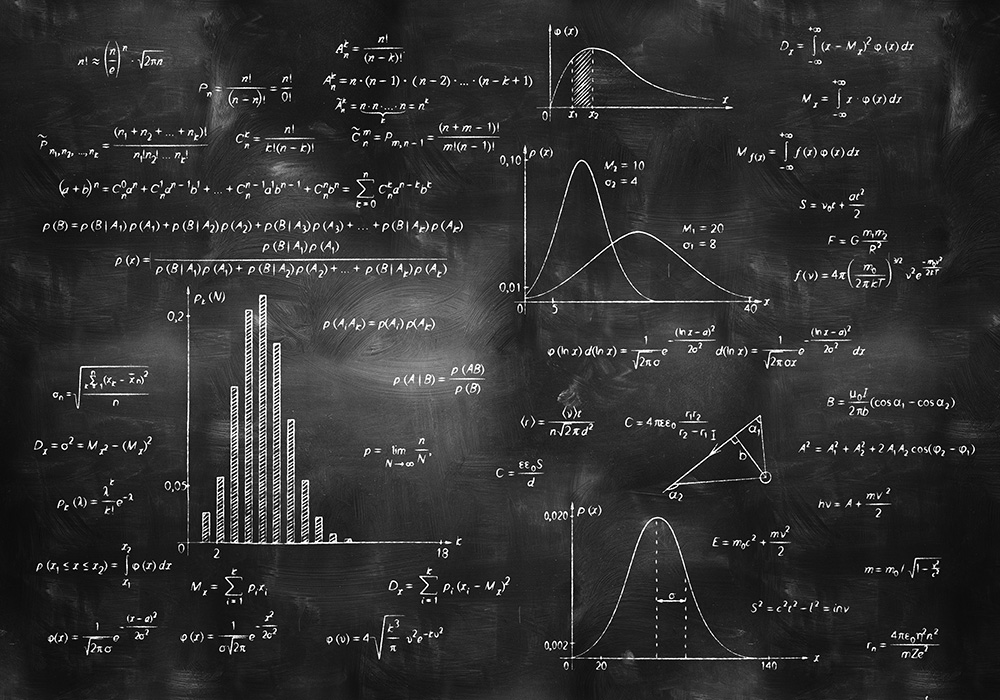
Russia ☭ forever, Viacheslav N. Mezentsev
2位用户喜欢此帖子
Sorry, I won't dare publish that f...n crap !

Dark/Night mode usually is intended for editing, not for publishing. While activated, what is printed black-on-white is rendered white-on-black on the screen. It become a little bit trickier to handle when colors are involved, since lighter color looks better on the "virtual" (dark) background but not always on the (white) paper... like in Autocad when you have a layout view on white background while the drawing is made on the classic black canvas...
However as long as something it is optional, nothing wrong to me. There are plenty of presentations made on dark backgrounds, and are often more readable on screen/live projection than the white ones. A pain to print and read on paper? Absolutely.
However as long as something it is optional, nothing wrong to me. There are plenty of presentations made on dark backgrounds, and are often more readable on screen/live projection than the white ones. A pain to print and read on paper? Absolutely.
If you like my plugins please consider to support the program buying a license; for personal contributions to me: paypal.me/dcprojects
1页(8条)
- 有新帖
- 无新帖